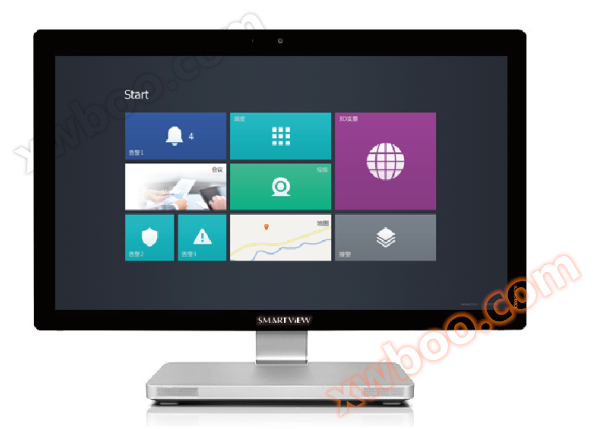
The SmartView300/700 adopts a 23/27 inch LCD industrial grade touch screen as the carrier, with a beautiful and generous appearance. Users can directly touch, click, dial, call or view the device operation status on the screen with their fingers. It supports 10 point touch operation, full gesture operation mode and full angle adjustment, including dual handles, providing voice scheduling mode, video monitoring mode, GIS map mode, integrating voice, video, and data communication scheduling.
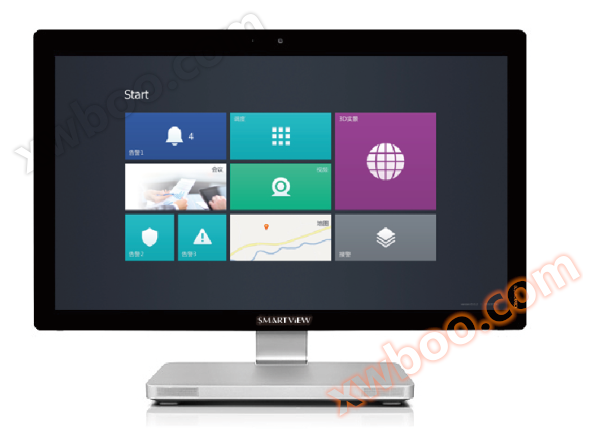
SmartView300/700 Dispatch Console
The SmartView800 dispatch console uses a 10.6-inch ClearType full HD high-definition display screen as its carrier, which is portable, aesthetically pleasing, and allows users to directly touch, click, dial, call, or view device operation status on the screen with their fingers. It supports 10 point touch operation, full gesture operation mode, and full angle adjustment, and includes dual controllers. It provides voice dispatch mode, video monitoring mode, and GIS map mode, integrating voice, video, and data communication scheduling.
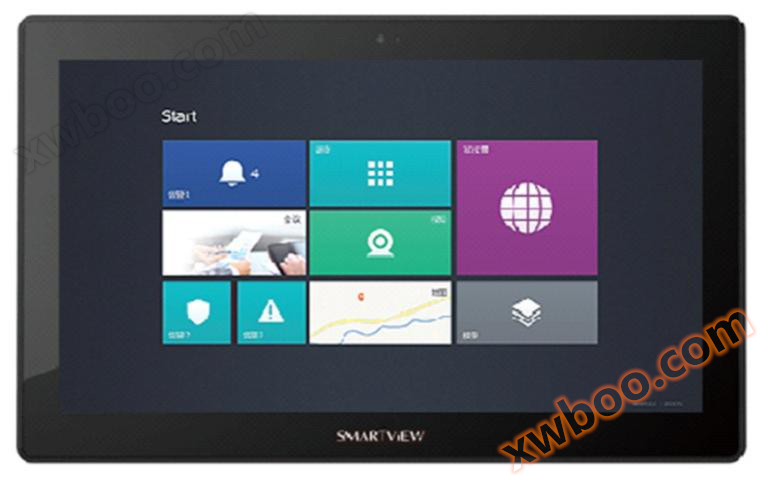
SmartView800 Dispatch Console
Dispatch console function
Multi touch gestures
Perfectly supports multi touch technology, bringing mainstream touch experience, with complete functions such as target selection, sliding page flipping, window control, and multi-point zooming.
Click to call
Click the dispatch member button to initiate a voice call, dial up a call
Provide a screen dialing keyboard that integrates dialing keys and function keys.
■ Answering incoming calls
Incoming calls are automatically sorted based on level and waiting time, and dispatchers can freely choose to answer them.
■ Transfer
The dispatcher transfers incoming calls and provides four modes for quick retrieval of contacts.
■ Number One Communication
Scheduling members configure multiple numbers, and the scheduling system performs polling calls on multiple numbers.
■ Call hold
The dispatcher can maintain the current call and handle other affairs;.
■ Strong insertion
Dispatchers can operate the current call of joining dispatch members and conduct multi-party joint communication.
■ Forced demolition
The dispatcher can operate to end the current call of the dispatch member.
■ Monitoring
The dispatcher can operate to monitor the current calls of dispatch members.
■ Voice notification
Dispatchers can broadcast notifications to a group of scheduling users.
■ Meeting
Dispatchers can convene voice conferences using a virtual venue interface, directly through virtual seats and tables, making the operation more user-friendly.
■ SMS function
The dispatch console provides GSM and CDMA SMS single sending, SMS group sending, and SMS receiving functions.
■ Fax function
The dispatch console provides functions such as single fax sending, group fax sending, and receiving faxes.
■ Linkage function
Voice scheduling GIS、 When either party serves as the scheduling entity for video surveillance, they can easily and quickly utilize the resources of the other two parties.
■ IoT data access
Collect group IoT data (such as sensors) to achieve centralized control, alarm prompts, video surveillance, and simultaneous display of telephone services on the same screen, and collaborate in a coordinated manner.
Collect IoT data (sensors) from the group, display relevant alarms or link to open relevant videos or call relevant phone numbers on the dispatch console interface.
Based on video surveillance scheduling
Dispatchers can perform scheduling operations based on video surveillance as the main interface.
GIS based scheduling
Dispatchers can perform scheduling operations based on GIS maps as the main interface.
■ Search
Support global keyword search, search for scheduling group and scheduling member information, and initiate scheduling operations based on the search results.
Intelligent learning
Intelligent learning of user operation habits, doubling the scheduling speed.